
No-code interactive authoring
Build a project visually with video, condition and quiz nodes. Connect outcomes without writing application code.
A video-first interactive learning platform
IVPLEX combines a no-code interactive video editor with learning delivery and audience reporting. Design branching video projects, invite people to complete them, and follow their progress through real decisions, quizzes and outcomes.
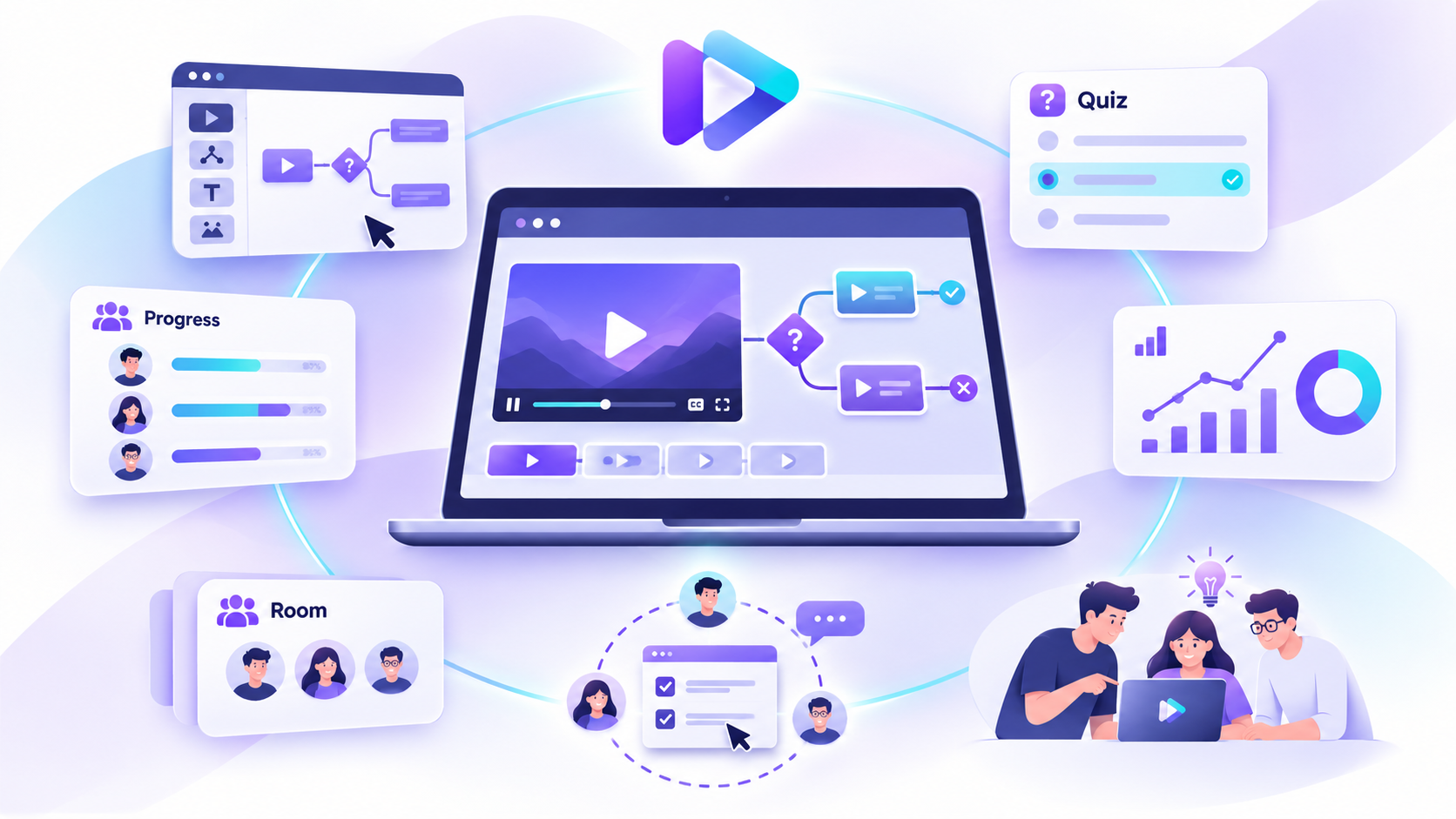
Build a project visually with video, condition and quiz nodes. Connect outcomes without writing application code.
Create practical, scenario-based experiences in which viewers learn by watching, choosing and responding, rather than consuming only static lessons.
Invite learners, review progress and quiz results, and use reporting tools to understand participation and completion.
Group several projects into a Room and invite multiple audience members to complete those experiences together as part of one program.
Coordinate project creation with your team, bringing content preparation, branching design and review together before inviting viewers.
Use IVP project packages with the IVP Player to run the branching journey, including its video segments and interactive rules.
A project is an individual interactive video experience. A Room brings multiple projects together for a group of invited audience members. For example, an employee onboarding Room might contain a welcome experience, a security scenario and a knowledge assessment.
Invite multiple learners to the Room, then use audience and progress reports to follow engagement across the learning journey.
Example onboarding Room
Invite a cohort of employees and review their participation in one program.
The visual editor connects video clips with single-select conditions, conditional expressions and quizzes. A viewer might choose how to answer a customer, or complete a quiz that directs them to a refresher when their score is below the passing threshold. The next video is selected from the connected flow.
This is useful for employee onboarding, cybersecurity awareness, customer support training and scenario-based learning. Explore how interactive videos work, learning analytics and the IVP format.
Try a published interactive video demo without signing up and discover how different choices lead to different experiences.
Try interactive demos →